LOADING

MADE FROM ONE SENTENCE
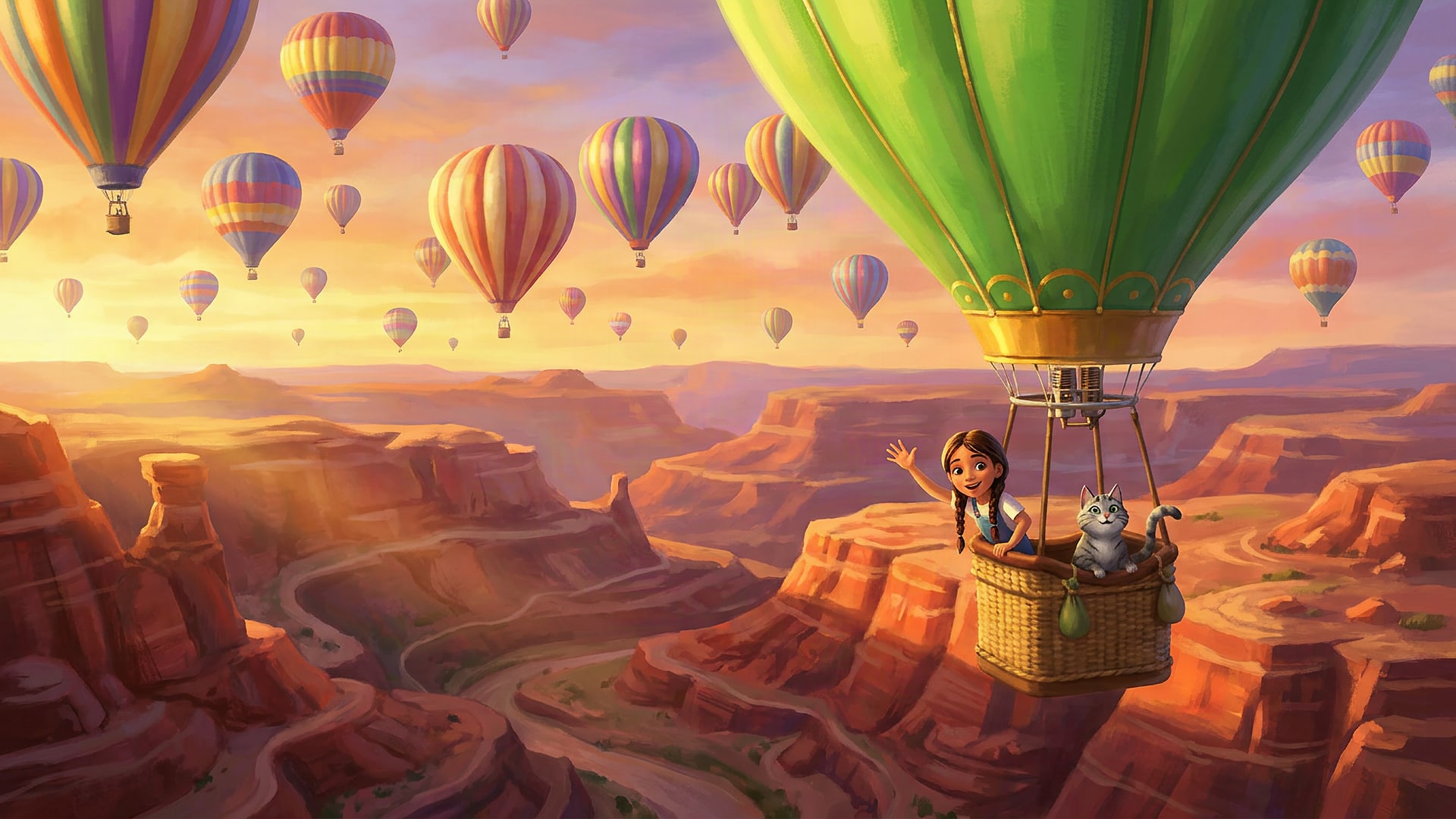
You typedA hot-air balloon race over the canyon at sunset, with my cat in the front basket.Made
From a sentence to a film.
Describe it, approve the plan, and get a film back. Here is exactly what happens after you sign in, from the first sentence to the download.
- 1DESCRIBE
- 2APPROVE
- 3FILM
STEP BY STEP
After you sign in.
Three steps. Nothing is filmed until you say so, and the price is on the button before you press it.
Nothing filmeduntil you say so, price shown first
 1
1STEP 1 OF 3
Describe it.
Press Start and tell it what you want. This is where the story, the characters and the voices come from.
 Write the story: type it, say it out loud, or paste a script. One sentence is enough.
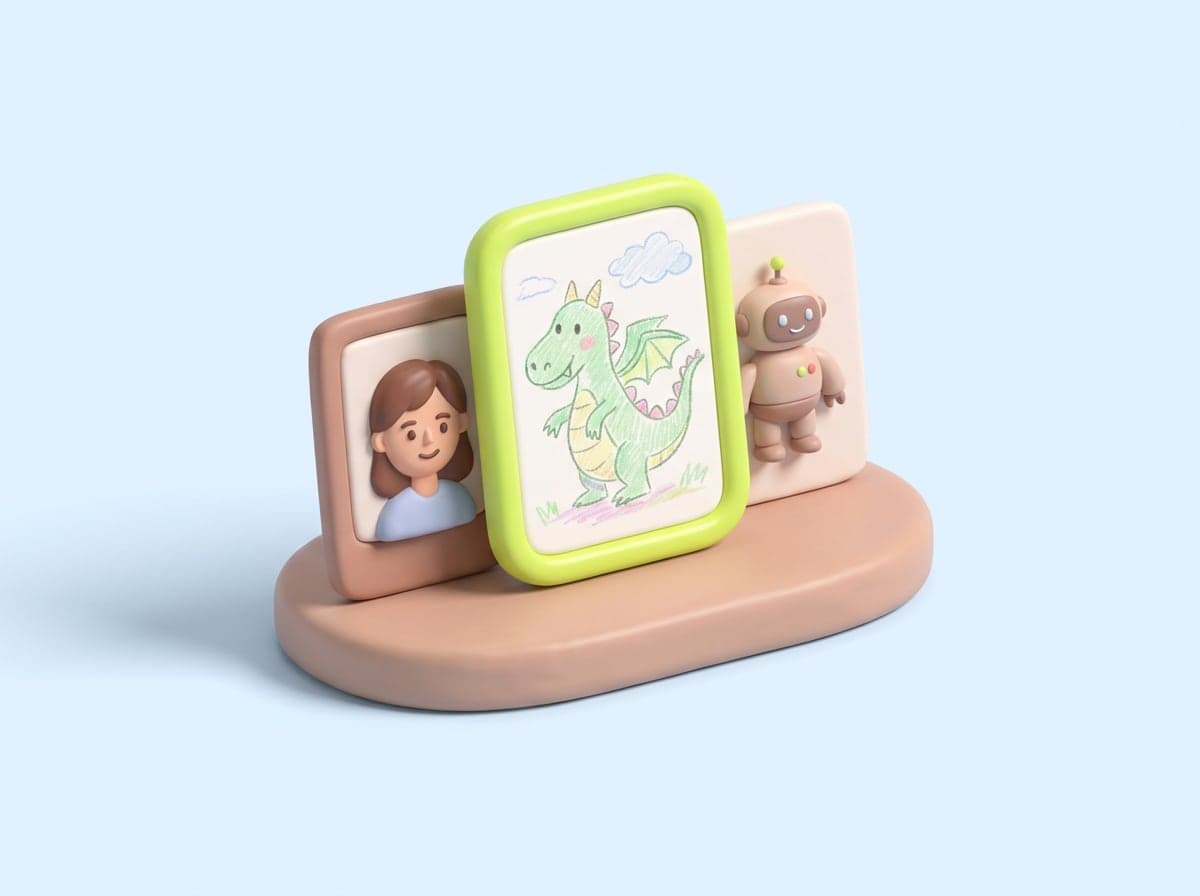 Pick the characters: describe one, upload a photo of yourself, or upload a drawing.
 Add the voices: record your own, record a voice for a character (roar for the lion), or pick one and a language.
 2
2STEP 2 OF 3
Approve the plan.
The storyboard comes back scene by scene with a line under each one and the price on the button. Nothing is filmed until you press it.
- Every character comes back as a picture first. Say yes, or try again.
- Change any scene, any line, before a frame is made.
- The price is on the button, in dollars, before you press it.
 3
3STEP 3 OF 3
Get the film.
Every scene is filmed from the plan you approved. Watch it, fix one scene if you need to, and download it.
- If one scene is wrong, refilm only that one. The rest stays.
 An MP4 in the shape you picked, captions on the words, your thumbnail, intro and outro.
WHAT YOU GET
The film, your way.
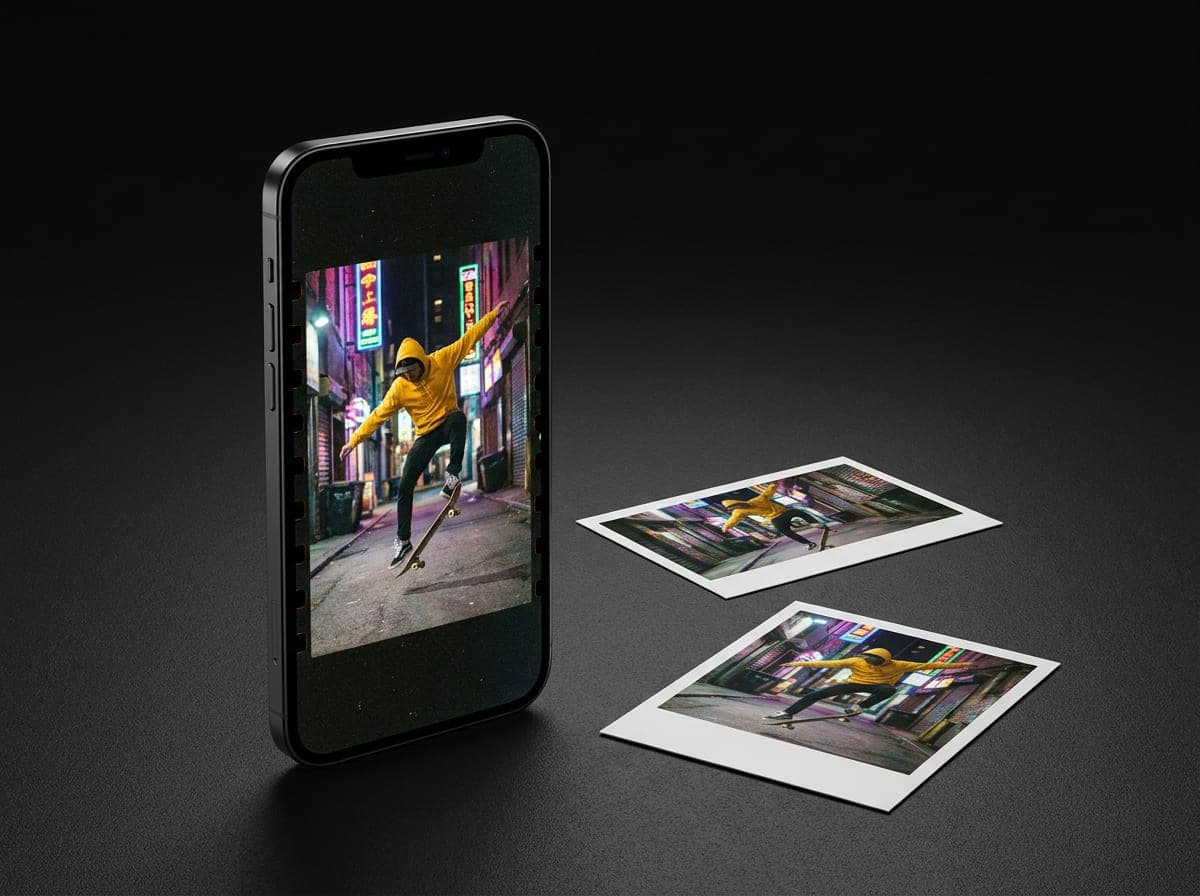
01 THE SHAPE
Made for where it goes.
Pick 16:9 for YouTube, 9:16 for shorts, 1:1 for the feed. Every scene is framed for that shape from the start, not cropped at the end.
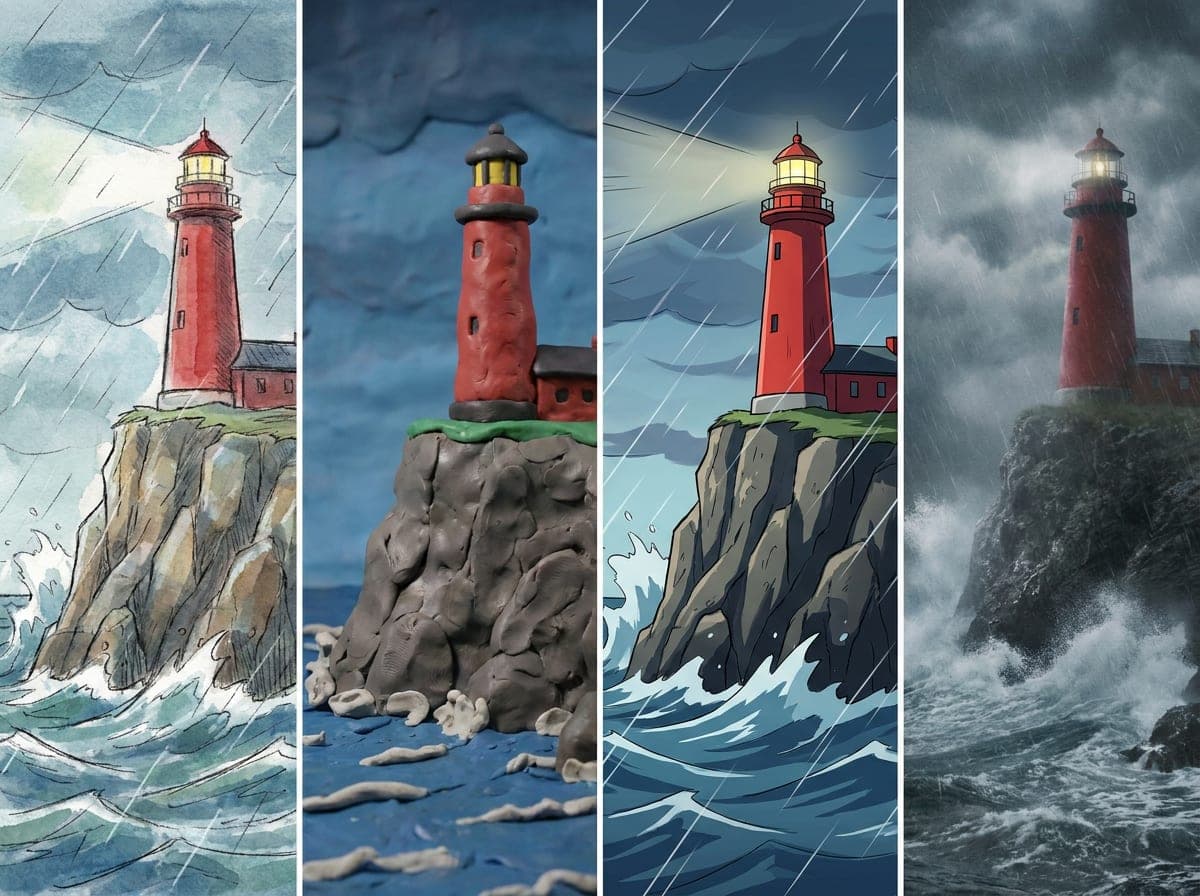
02 THE LOOK
Drawn, clay, anime, filmed.
Say the look you want and every scene keeps it. Or start from a template and change anything after.
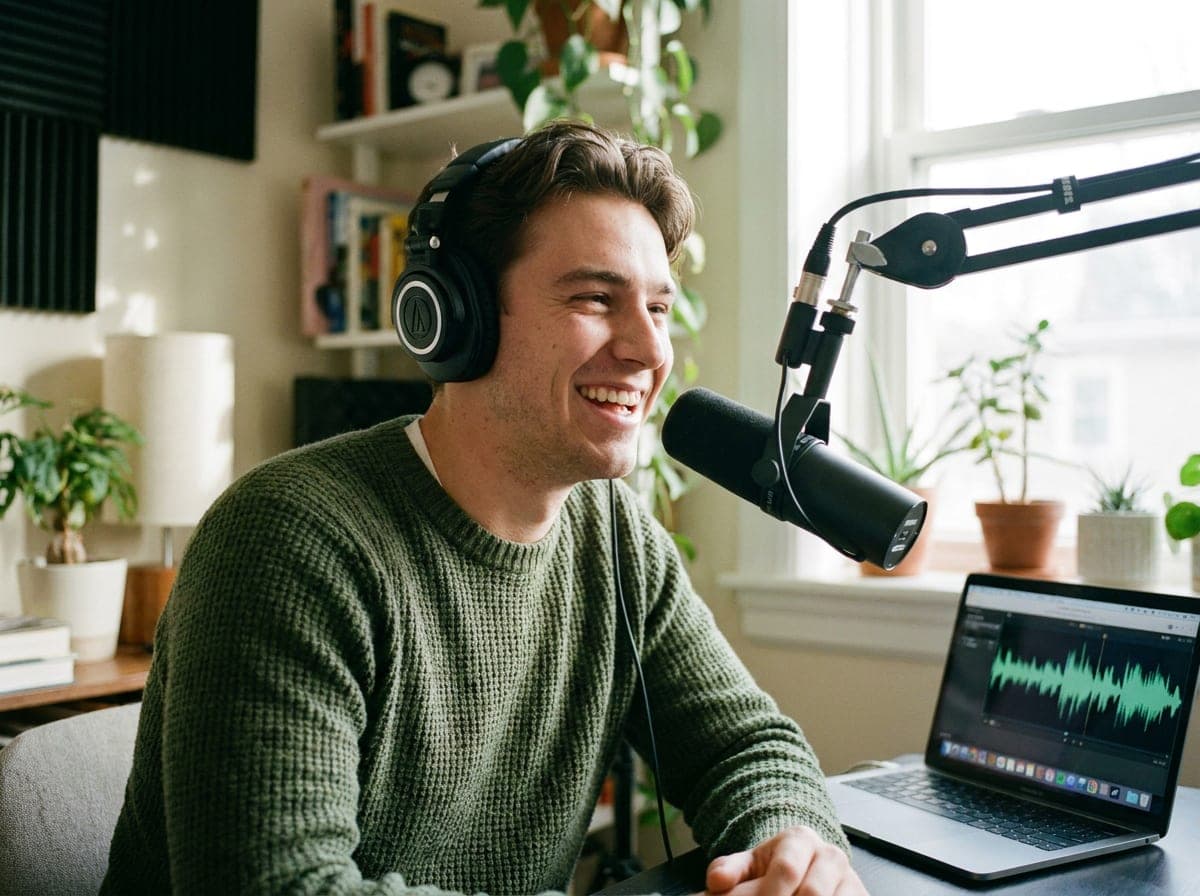
03 THE VOICE
Your voice, or one you pick.
Record thirty seconds and the film speaks in your voice. Or pick a voice and a language.
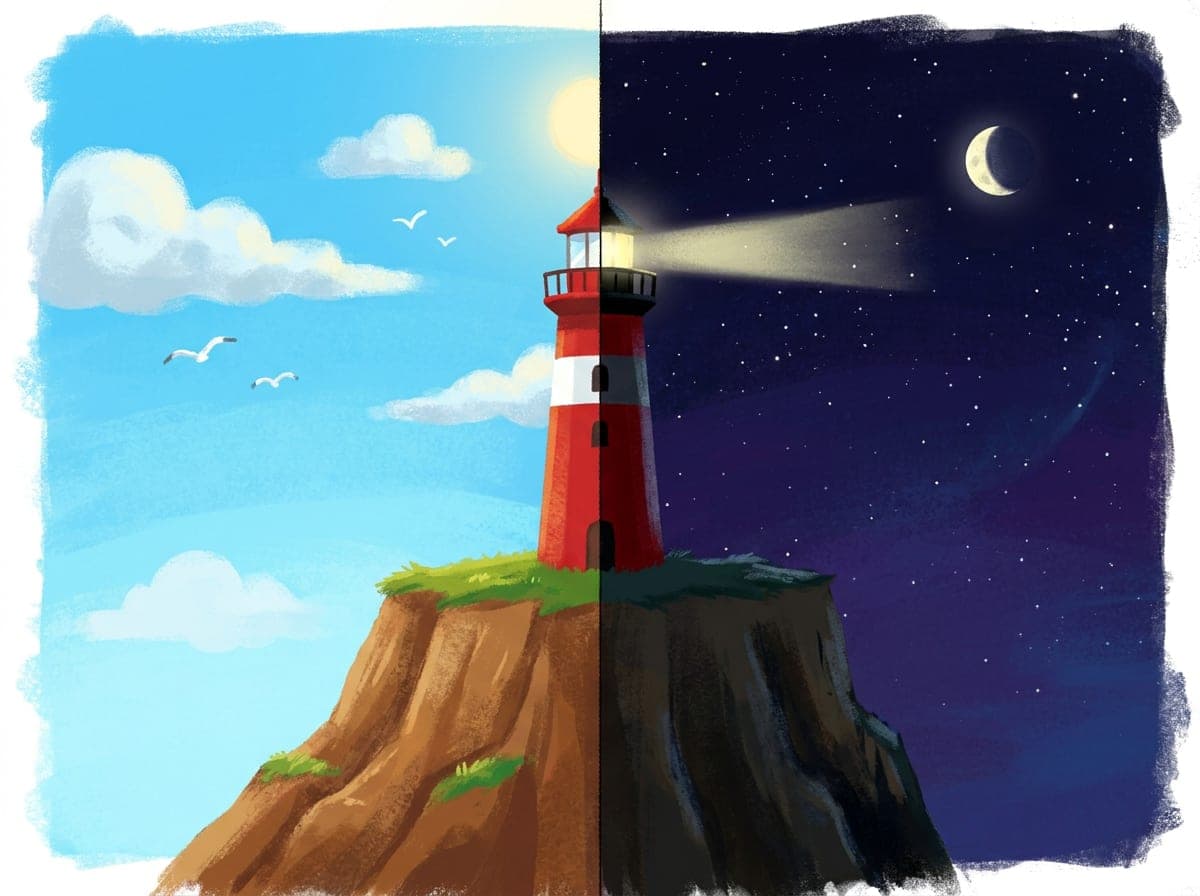
04 CHANGE ONE THING
Fix a scene, not the film.
Change scene four from day to night and only scene four is refilmed. Everything else stays exactly as it was.
5
shapes: 16:9, 9:16, 1:1, 4:3, 3:4
12
languages, yours or a picked voice
4K
MP4 that is yours to keep
$0
to start, buy credit as you need it
START FROM ONE OF THESE
Templates that fit.
Each one sets the look, the shape and the length. Everything it decides is yours to change afterward.

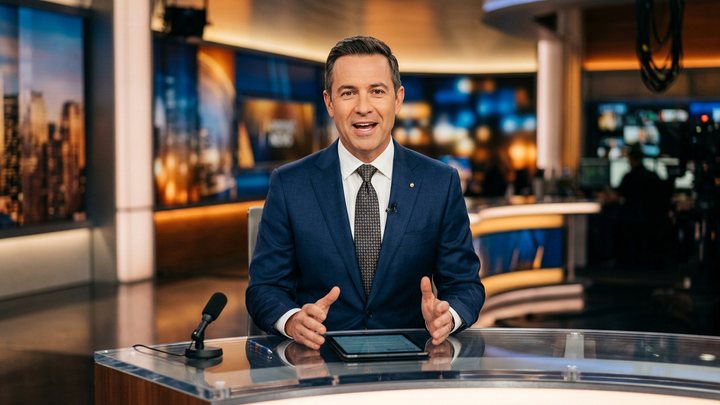
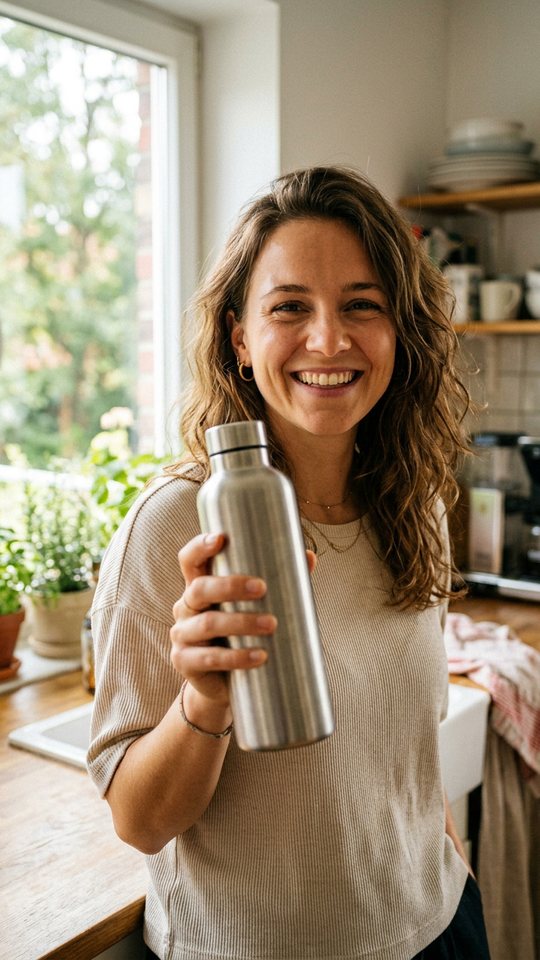
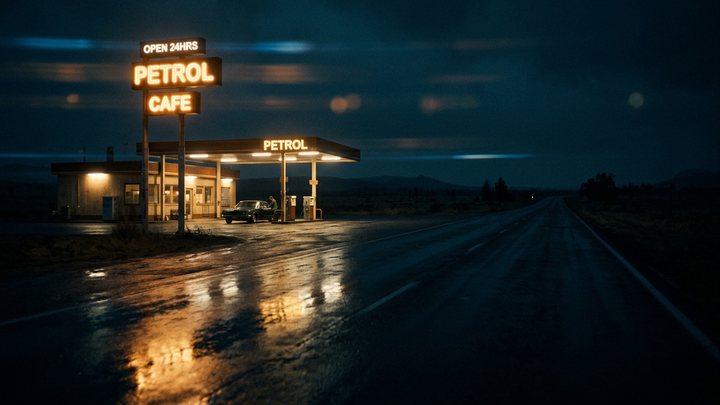
01 / 09
MADE FOR
Built for the way you make things.
- 01For CreatorsAnime, shorts and music videos
- 02For TeachersTeachers, tutors and schools
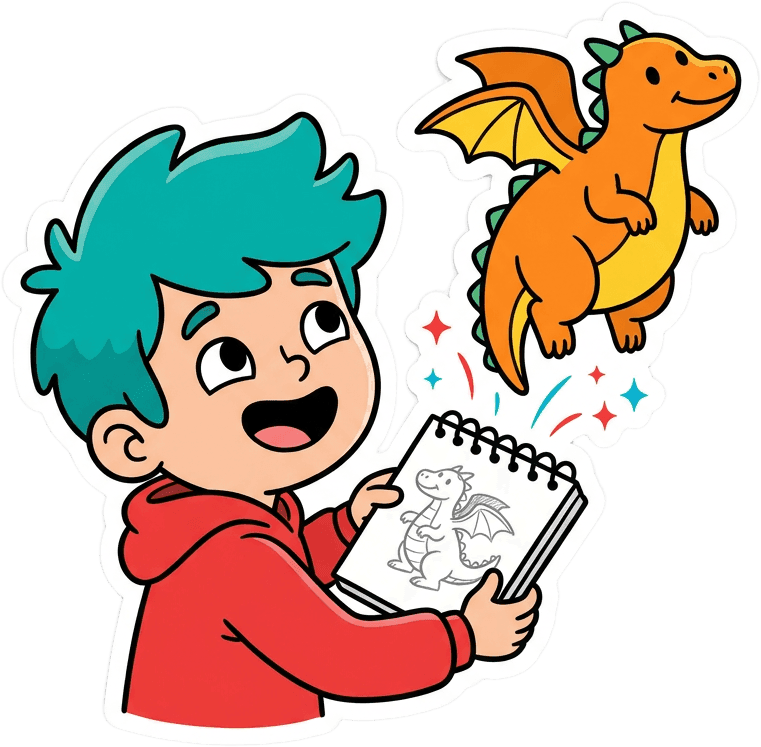
- 03For KidsKids who love anime and stories
Start creatingOne sentence is enough to begin.

For CreatorsAnime, shorts, music videos, explainers. Describe what you want and get it back as video. No camera, no editing software.See the page