What a storyboard card actually holds
/ The short version:
- A shot is a sentence plus a camera, a framing, a length, narration, dialogue and sound — all editable per card.
- Removals go in their own channel, because video models do not reliably process negation and “no axe” frequently produces an axe.
- On-screen words are never in the prompt at all; they are composited at assembly.
- Changing a card marks that shot stale rather than silently keeping the old clip or silently re-filming everything.
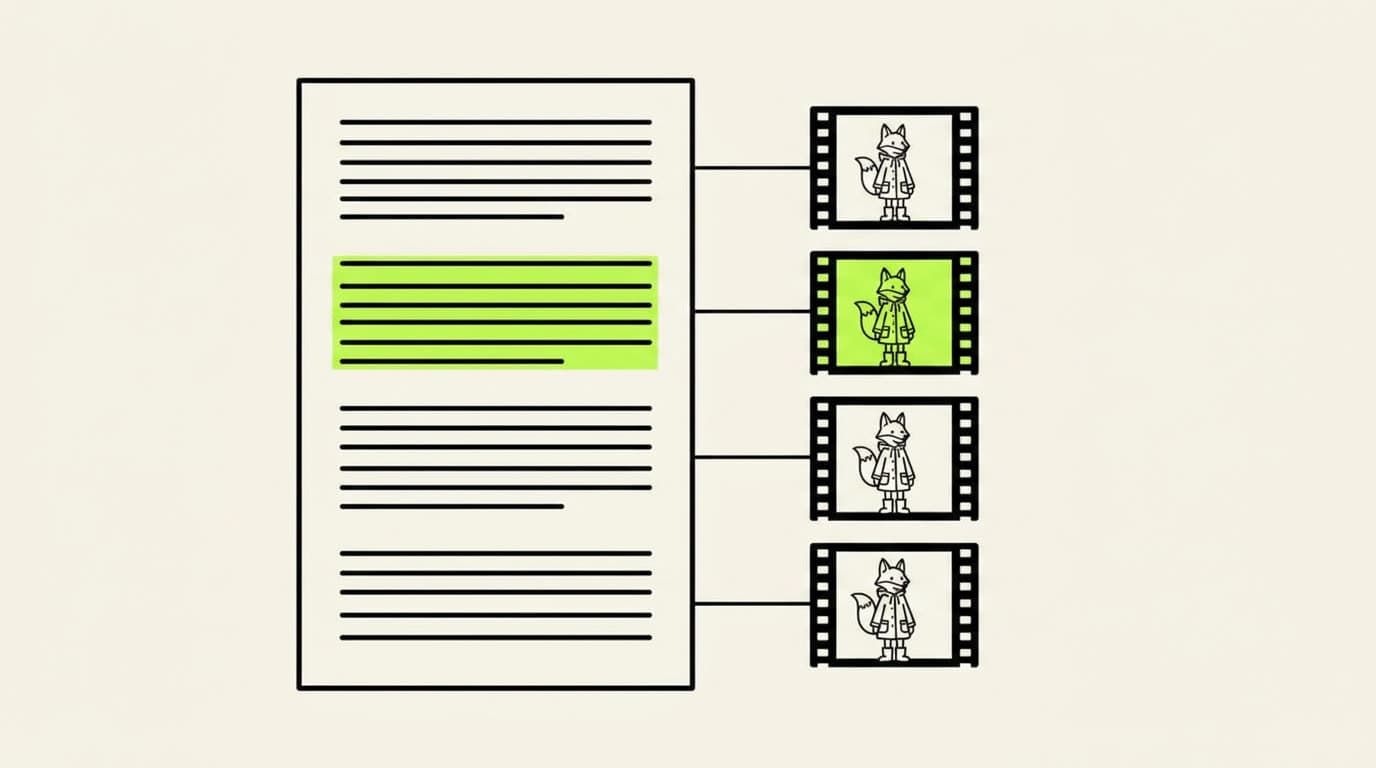
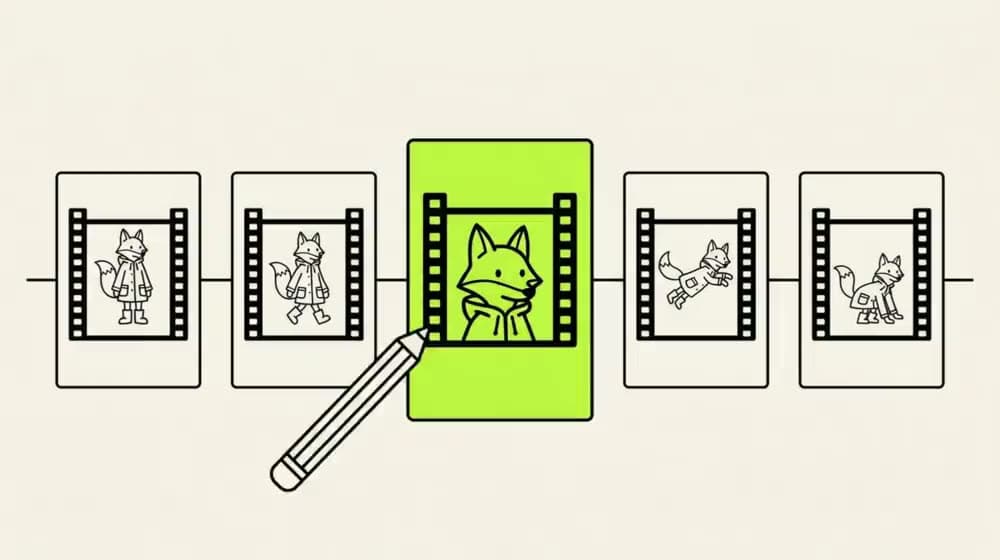
A shot is not a sentence. It is a sentence plus a camera, a framing, a length, a line of narration, whatever is said aloud, and whatever is heard. All of it is written down on a card you can read and change, one card per shot, and changing one card changes only that shot.
This is the stage where a generated film stops being a prompt and starts being a production. It is also the last stage before money is spent in earnest, so it is worth understanding what the fields do.
/ In this post:
The fields on a card
- Six camera moves — static, slow push in, pan left, pan right, orbit, tilt up. Named moves rather than free text, because “the camera drifts thoughtfully” is not a thing a model can act on consistently.
- Four framings — wide, medium, close and extreme close. The framing and the move are separate fields because they are separate decisions: a slow push in on a wide and a slow push in on a close are different shots.
- Length, per scene — set shot by shot rather than once for the whole film. It is the field that shapes the finished film more than any other — see the seven stages for why.
- Narration and dialogue, separately — because they are different tracks with different voices and different lip sync behaviour. See voices, languages and a song.
- What we hear — the sound of the scene, written down the way what we see is written down, then found and placed.
- Physics, or none — generative motion, a real simulation, or hold still. Three different things a model can be asked to do with a frame, and one of them is nothing.
Why removals get a field of their own
This is the least obvious thing on the card and the one most worth knowing, because it generalises well beyond this product.
Write “no axe on his back” into a prompt for a video model and you will frequently get an axe. The models do not reliably process negation. The word “axe” is in the prompt, it is a strong visual token, and a large part of what the model does is attend to strong visual tokens. The “no” is a single short word carrying a logical operation, and it loses.
So removals are not in the prompt. They go into a separate channel that the engine handles differently, which means asking for something to be taken out actually takes it out. It is a small architectural decision that quietly determines whether you can direct a shot at all, because half of directing is subtraction.
The same reasoning, applied everywhere
Once you notice this pattern you see it repeatedly: give each job to the component that is actually good at it, rather than putting everything in the prompt and hoping.
On-screen words are the other example. Titles and captions are never in the prompt either — they are composited at assembly, the way an editor adds them, which is why they read as typed. Why your titles read as typed is that argument in full.
The model sees the axe. The “no” is one short word against a strong visual token, and it loses.
Stale is flagged, not hidden
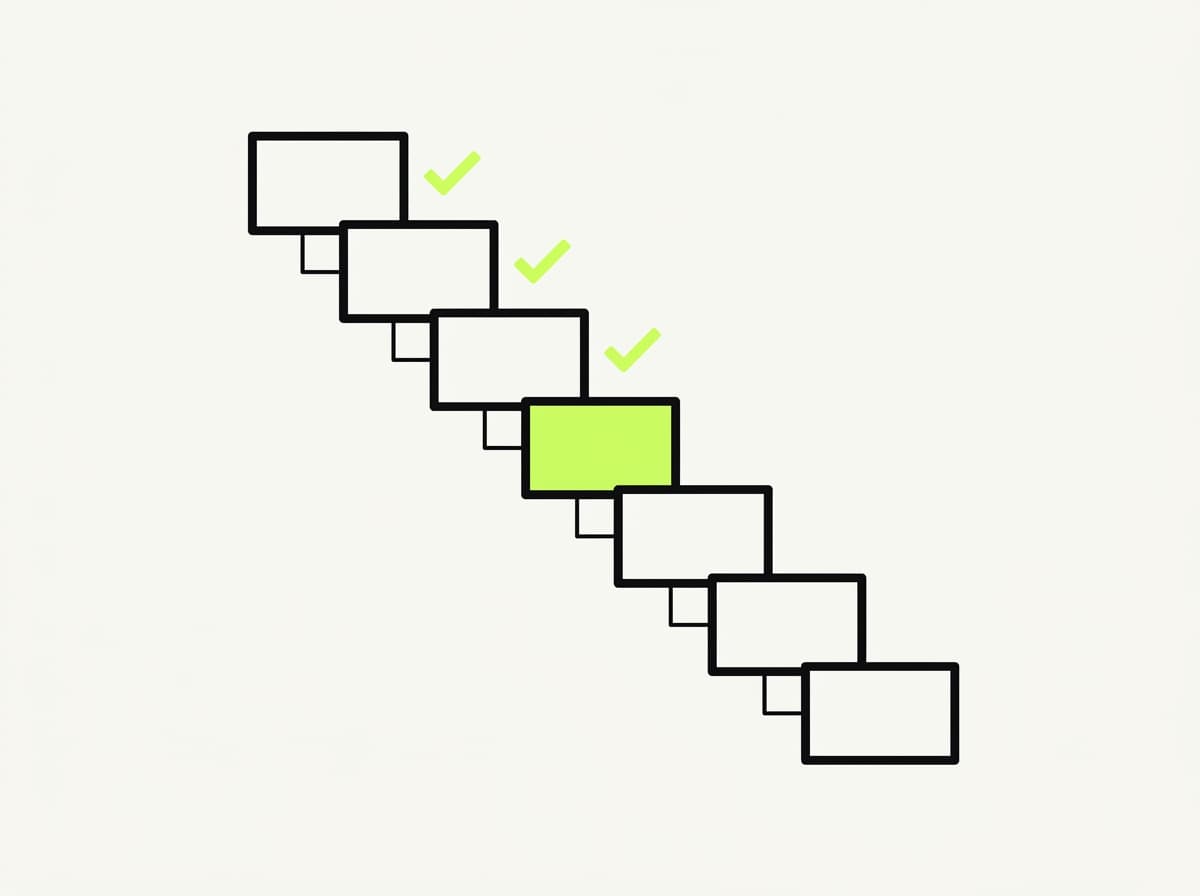
Edit a card after its shot has been filmed and the clip made from the old version is marked stale. The console tells you exactly which shots went stale and asks you to confirm before it re-films them. The others keep their takes.
The two alternatives are both worse, and both are common. Silently keeping the old clip gives you a film that disagrees with its own storyboard. Silently re-filming everything throws away takes you were happy with.
Why cards, rather than one long prompt
Because the unit of work has to match the unit of regret. If the film is one prompt, the smallest thing you can redo is the film. If the film is fourteen cards, the smallest thing you can redo is a card — and almost every time you are unhappy with a generated film, you are unhappy with one card.
That is the whole case for a storyboard as a data structure rather than as a picture. What happens when a shot comes out wrong is what follows from it.
Questions
Why do negative prompts not work in video generation?
Because the model does not reliably process negation. Writing “no axe” puts the word “axe” into the prompt as a strong visual token, and the single short negation word frequently loses against it. Removals need to be handled in a separate channel rather than as words in the prompt.
Can I set a different length for each shot?
Yes — length is a per-card field, not one setting for the whole film. It is also the single biggest lever on how the finished film feels, because the number of shots you cut a minute into decides its whole rhythm.
What happens if I edit a shot after it has been filmed?
That clip is marked stale and the console asks you to confirm before re-filming it. Shots you did not touch keep their existing takes.
Can I control the camera in AI-generated video?
Per shot, from six named moves — static, slow push in, pan left, pan right, orbit and tilt up — combined with one of four framings. Named options rather than free text, because descriptive camera direction in prose is not something a model acts on consistently.